 QR Manager
Every QR code you use, beautifully kept.
Scan, create and style QR codes, then find them again in a second. Wi-Fi, links, contacts, events and social profiles, all in one private library on your phone.
- Free
- No account
- Works offline
- 15QR code types
- 23decorative frames
- 24meme templates
- 100%on your device
Everything a QR code needs
From the first scan to the poster on your wall, QR Manager keeps every code readable, good-looking and easy to find.
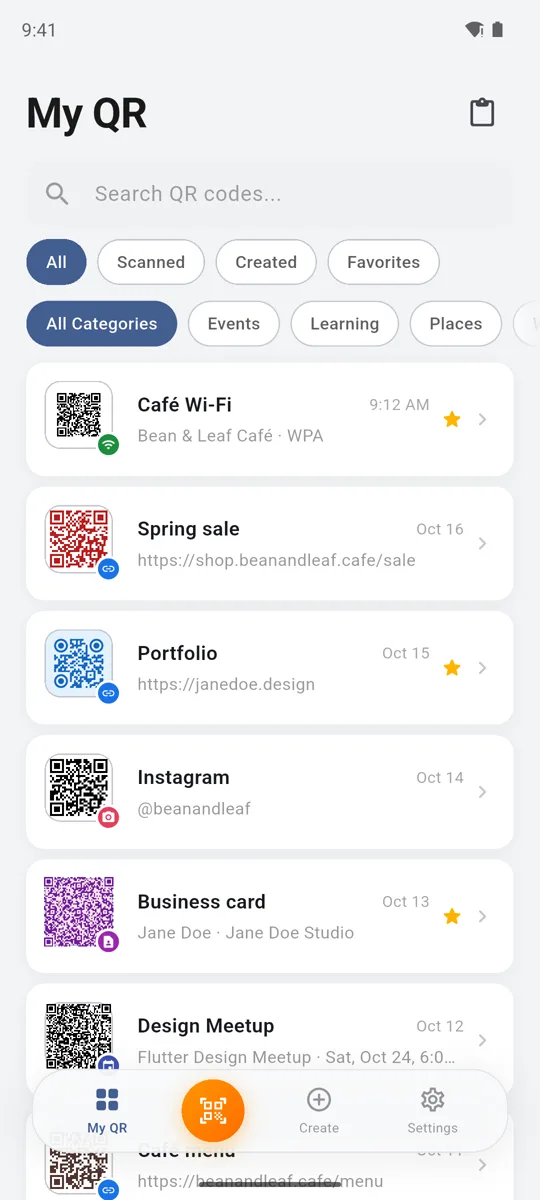
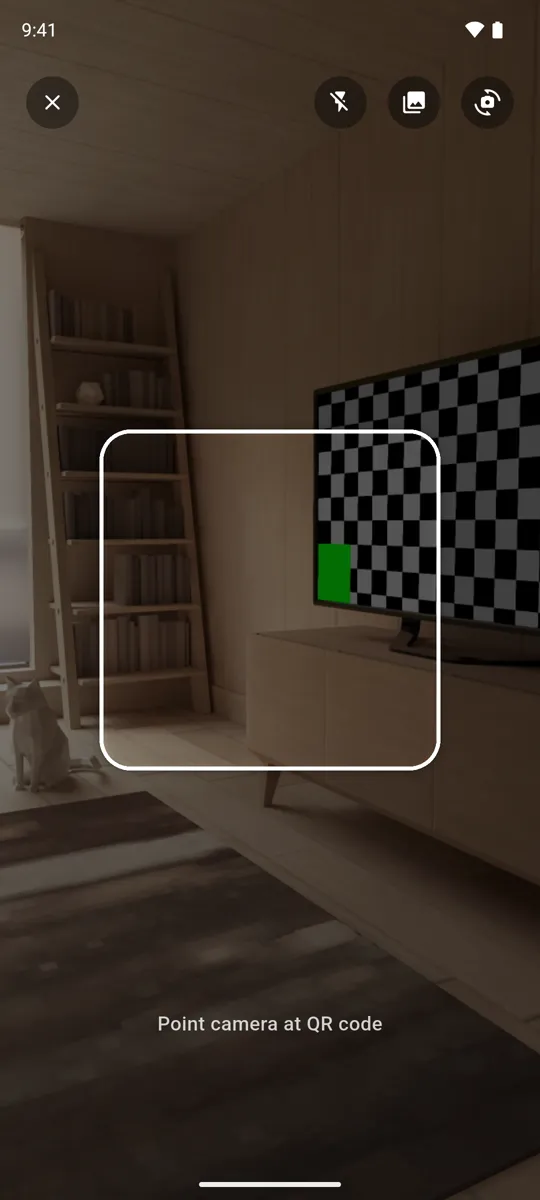
Scan in a second
Point the camera or pick a photo from your gallery. Each scan is saved with a readable summary, never a wall of raw text.
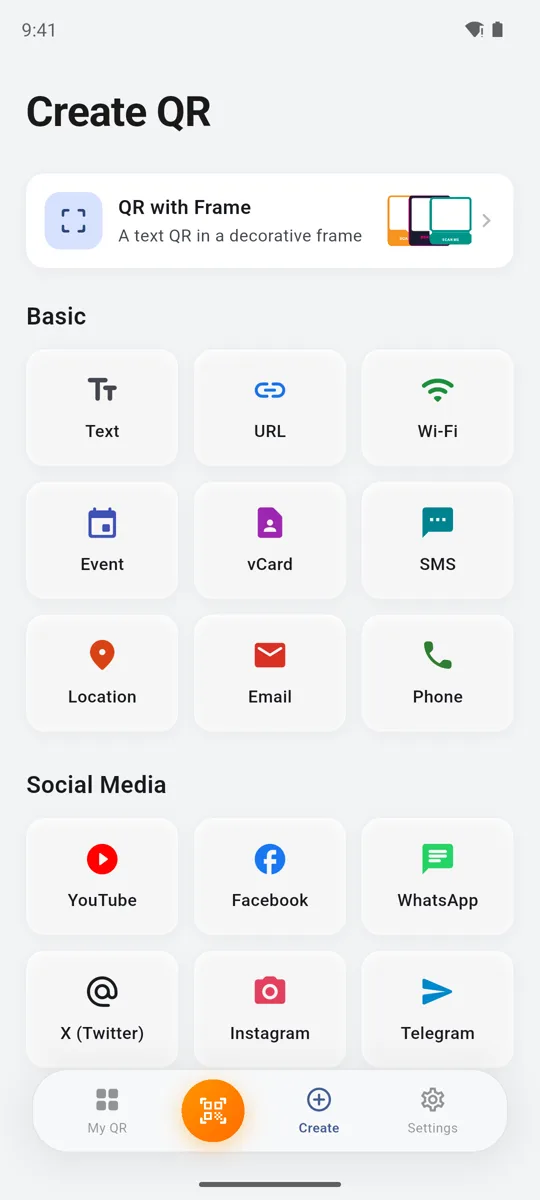
Create 15 kinds of codes
Text, links, Wi-Fi, contact cards, events, SMS, email, phone, location, plus YouTube, Facebook, WhatsApp, X, Instagram and Telegram.
Style it your way
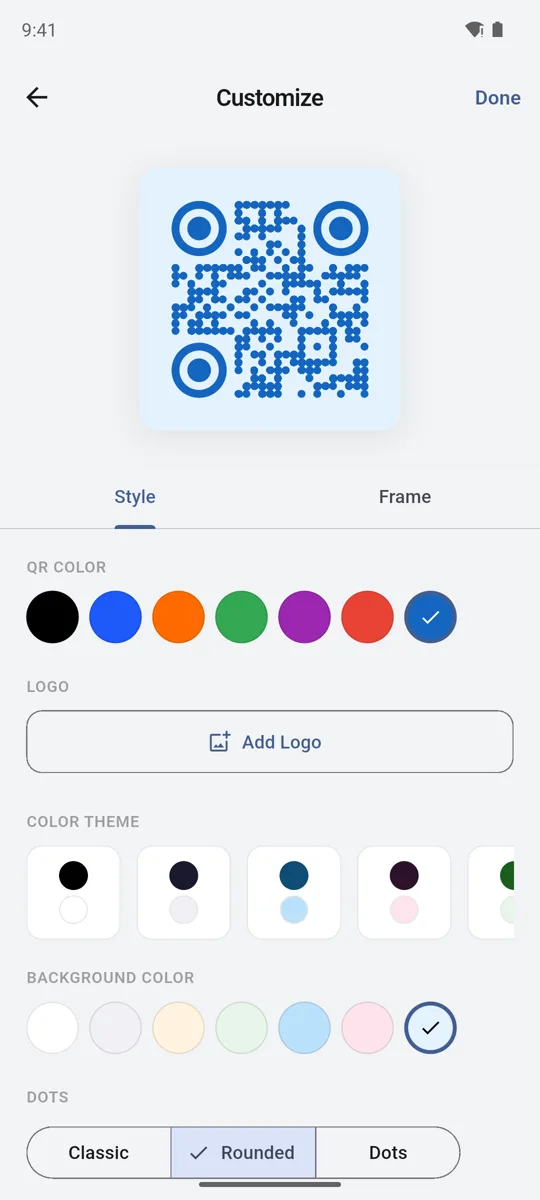
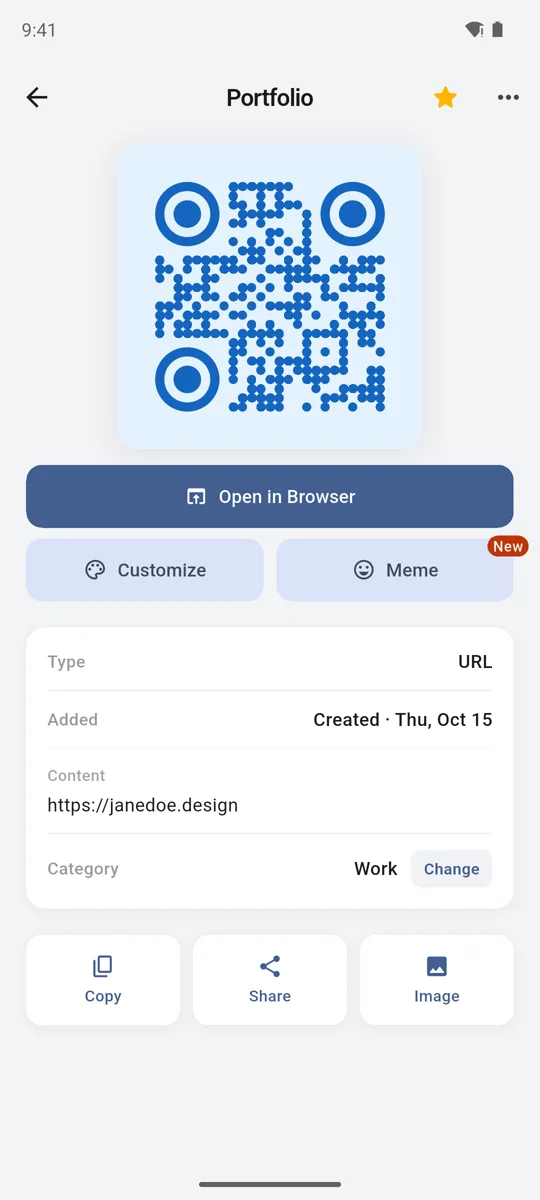
Pick the code's color, background and dot shape, or add your logo in the middle. Low-contrast colors get a warning, so the code still scans.
Frames that get scanned
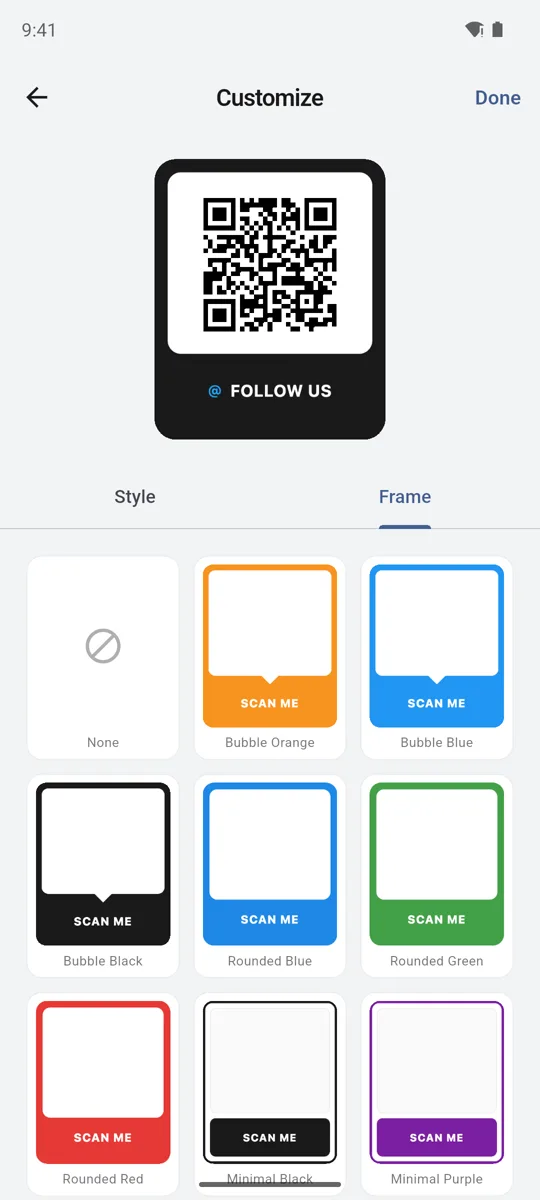
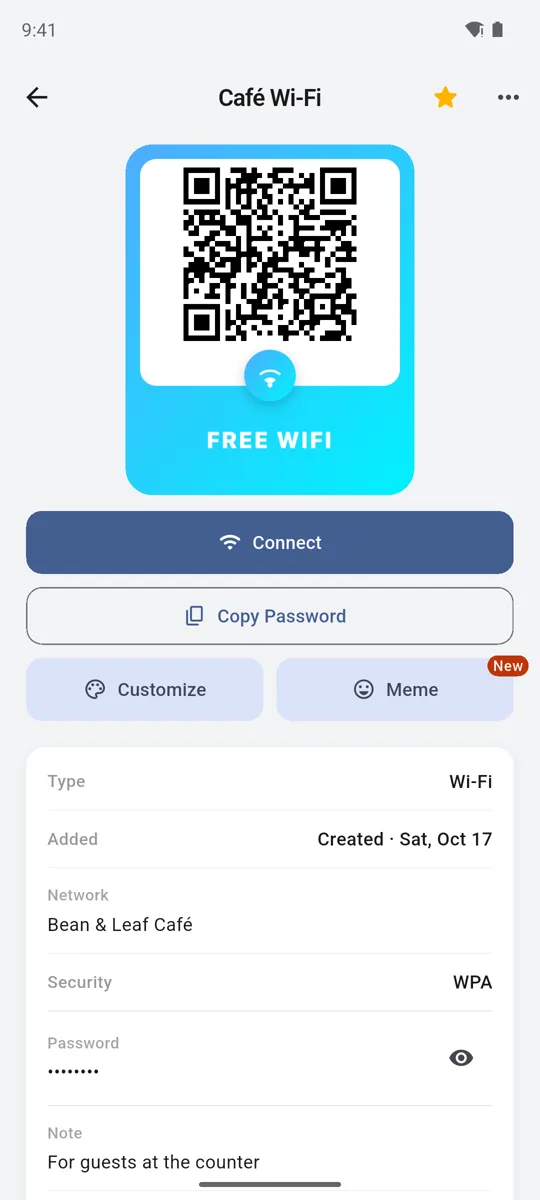
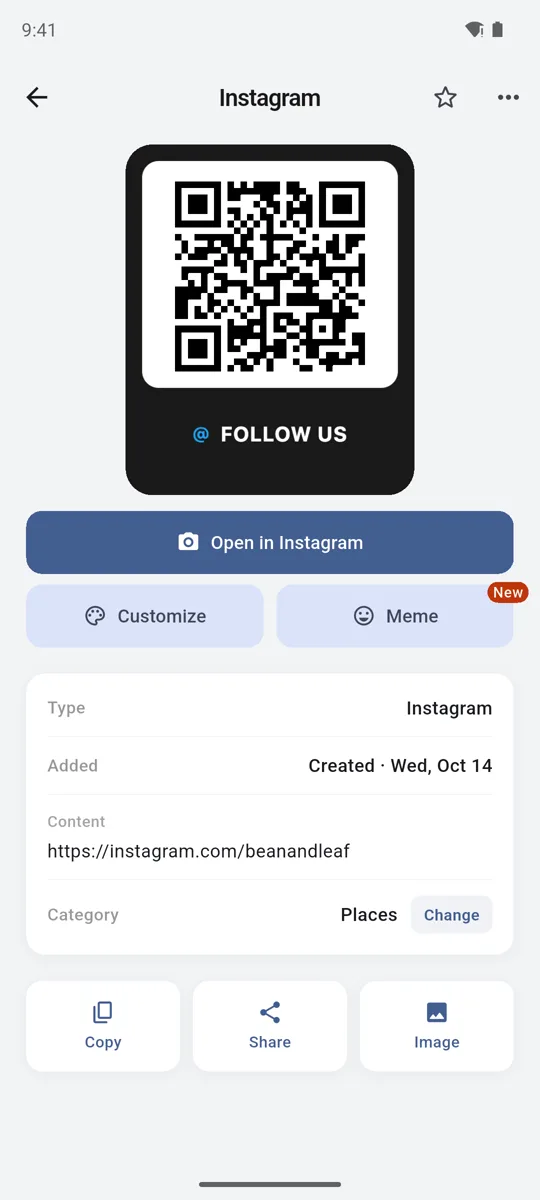
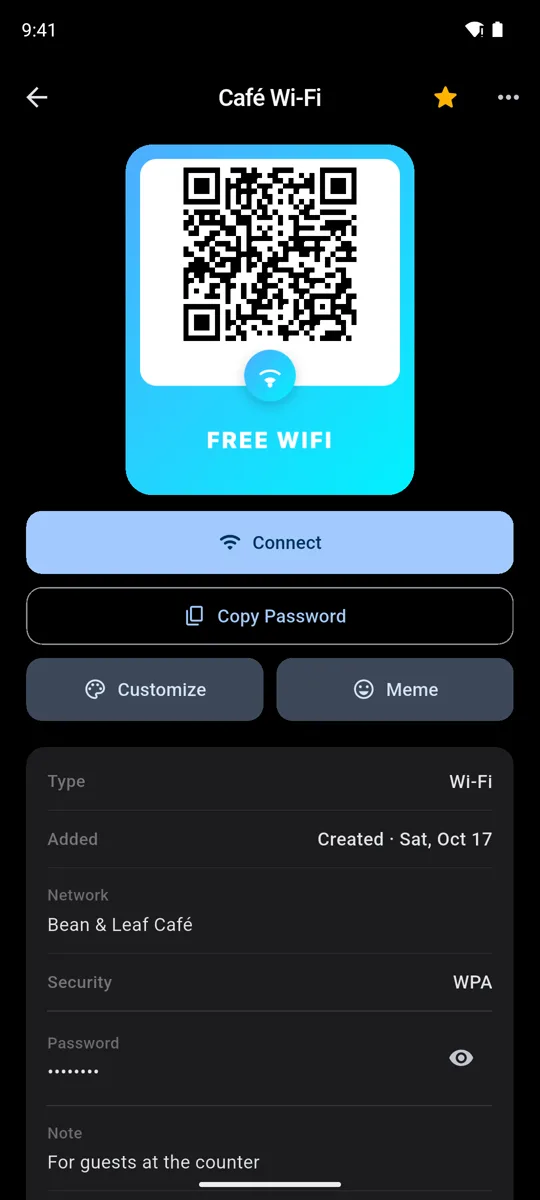
23 ready-made frames, like "Free Wi-Fi", "Follow us", menus, tickets and sales, so people know what a code is before they scan it.
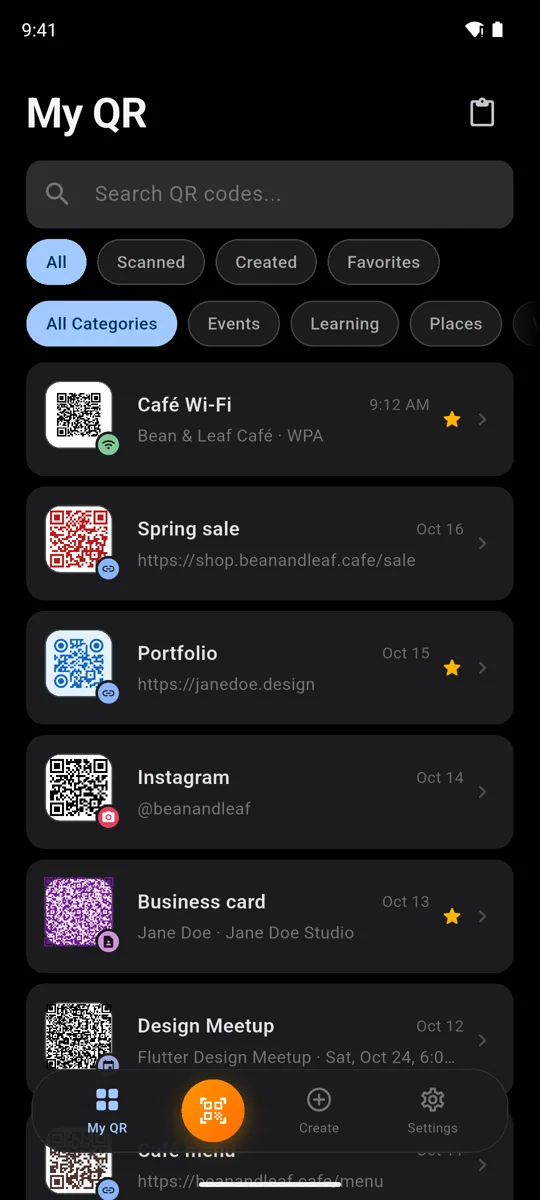
A library you can search
Favorites, categories and instant search. Wi-Fi codes join without typing the password, and any code opens full screen at full brightness.
Share, save, back up
Share a code as text or as an image, save it to your gallery, add a home-screen widget, and move your library with a backup file.
Make every code look like it belongs to you
A live preview shows each change as you make it. Switch between your own style and a decorative frame at any time.
- Colors, backgrounds and three dot styles: classic, rounded and dots
- Your logo in the middle, square, rounded or round
- 23 frames for cafés, events, shops and social profiles
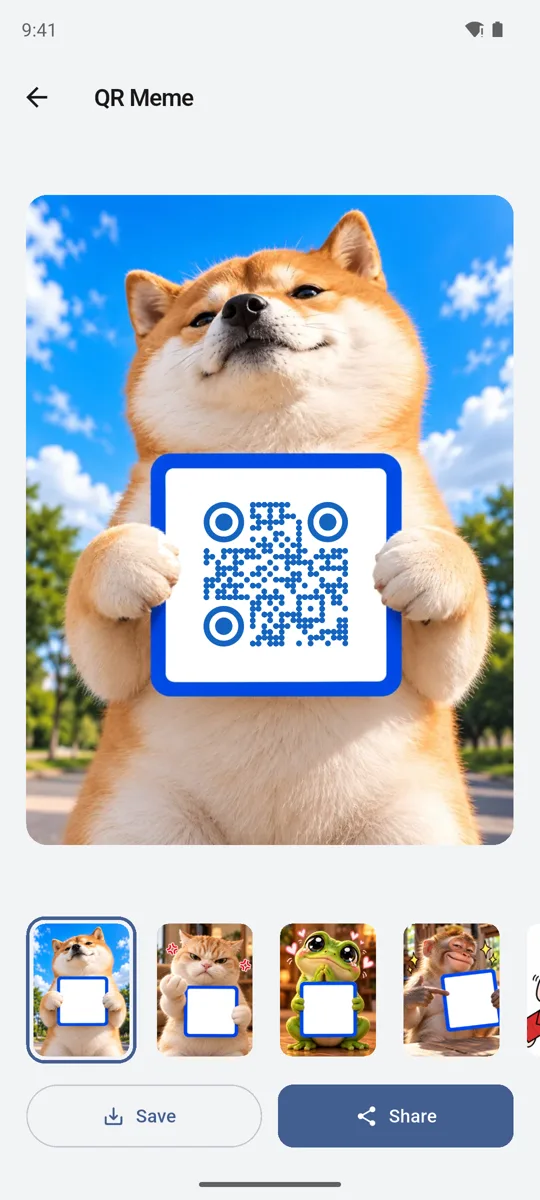
Your link, held up by a very confident Shiba
Turn any saved code into a meme people actually want to share. The code is warped onto the sign, so it still scans.
- 24 templates, from grumpy cats to pleading frogs
- Your color, dot style and logo come along
- Saved at full resolution, ready for chats and stories
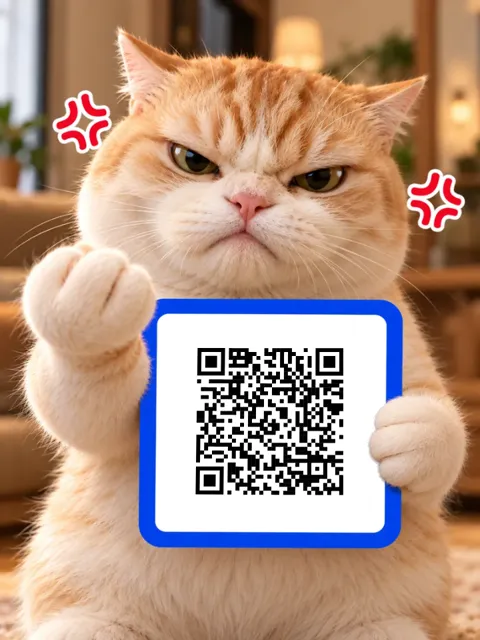
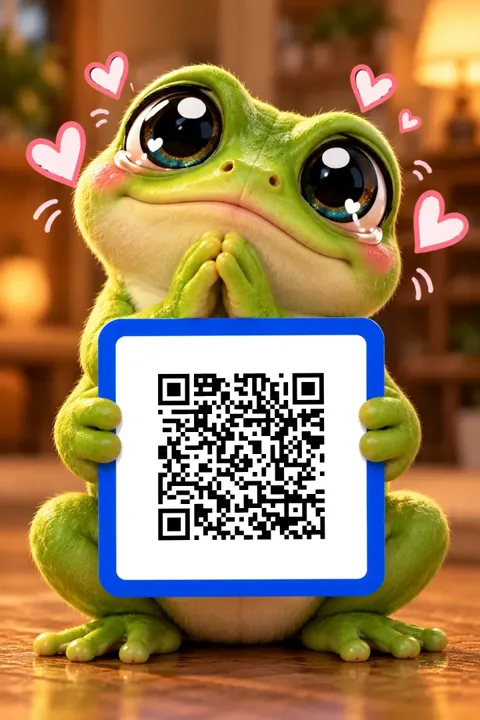
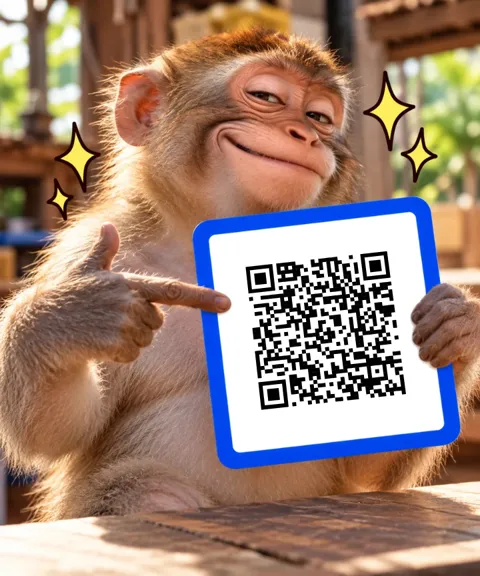
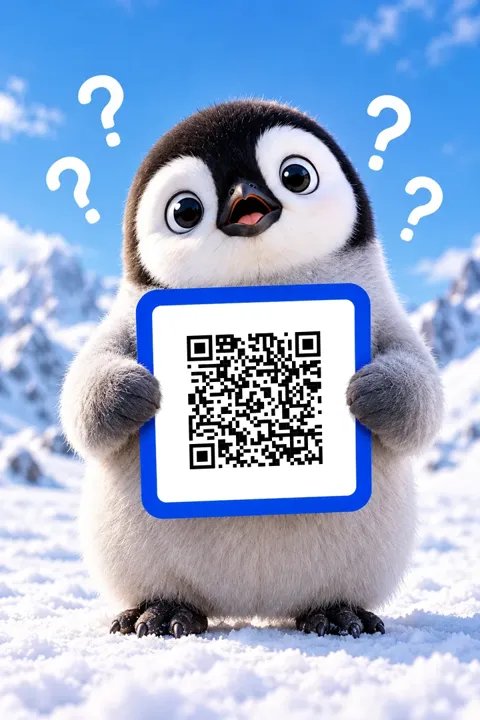
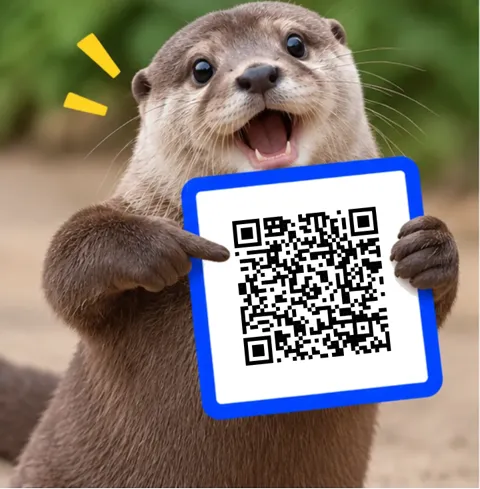
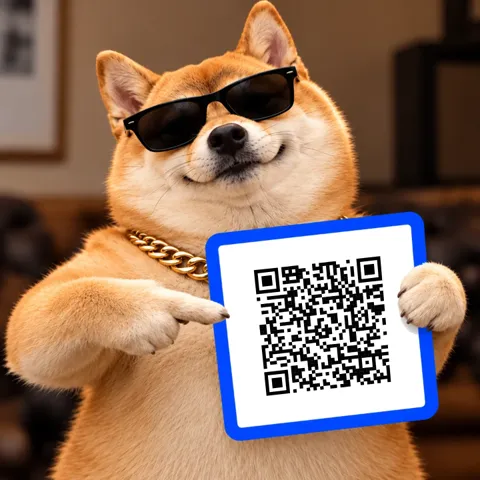
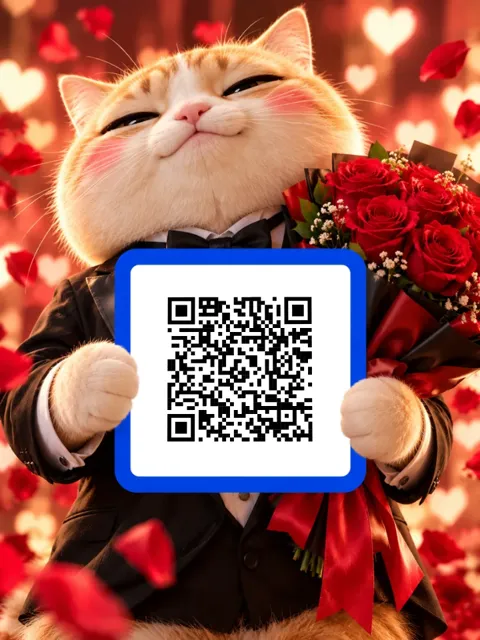
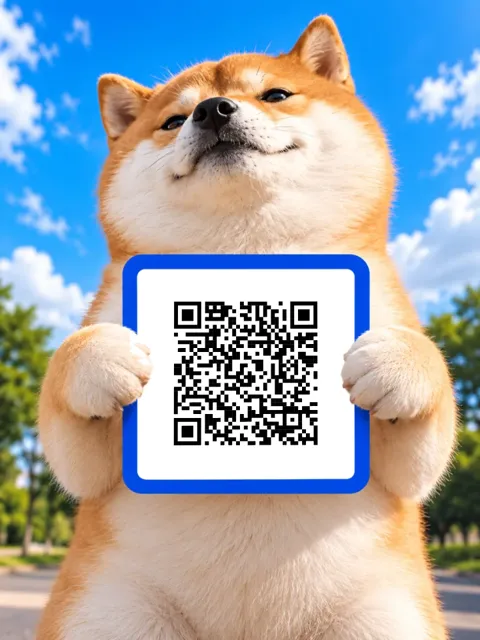
Go on, scan one: they all open QR Manager on Google Play.
Clean in light, calm in dark
Every screen follows your system theme, or the one you pick.
Your codes stay on your phone
Wi-Fi passwords, contact cards and private links are nobody else's business.
No account
Open the app and start. There is nothing to sign up for.
Stored locally
Your library lives on your device. We never see your codes.
Works offline
Scanning, creating and styling need no connection.
You own the backup
Export a file whenever you like and import it on your next phone.
Privacy Policy
Last updated: November 28, 2026
Introduction
QR Manager ("we", "our", or "the app") is developed by xSnap. This Privacy Policy explains how we handle your information when you use our mobile application.
Information We Collect
We do not collect personal data ourselves. QR Manager is designed with privacy-first principles:
- All QR codes and data are stored locally on your device only.
- We do not require user accounts or registration.
- Your QR code content is never transmitted to our servers, and never to our advertising partner.
The app shows ads served by Google AdMob, which collects some device data to do so; see Advertising below.
Camera Permission
The app requests camera access solely for the purpose of scanning QR codes. Camera data is processed in real-time on your device and is never stored, recorded, or transmitted.
Storage
The app uses local storage to save your QR codes and preferences. This data remains on your device and is only accessible by the app itself. Photos you pick to scan or to use as a logo are processed on your device; logos are copied into the app's private storage.
Device Backup
If Android backup is turned on for your device, the app's data (your saved QR codes, logos and settings) is included in the backup that Google manages for your account, and may be restored when you reinstall the app or move to a new phone. You can turn this off in your device's backup settings.
Photo Library Permission
When you choose to save a QR code image to your gallery, the app requests permission to write to your device's photo library. Images are saved locally to your device's gallery and are not uploaded or transmitted anywhere. You have full control over these saved images through your device's Photos app.
Image Metadata
Images the app saves or shares (QR codes and memes) carry a short note in their metadata: the app's name and version, "Created with QR Manager", and the time the image was made. They contain nothing about you, your device or the code's content beyond what the picture itself shows.
Crash Reporting
We use Sentry, a third-party crash reporting service, to collect anonymous crash logs and diagnostic information. This helps us identify and fix bugs to improve app stability. Sentry may collect:
- Device information (model, operating system version)
- App state at the time of a crash
- Error messages and stack traces
- Performance data, such as how long screens take to load, from a sample of sessions
We do not intentionally include personal data or QR code content in these reports. For more information, see Sentry's Privacy Policy.
Advertising
The app is free and shows ads from Google AdMob: a banner on some screens, a card in your list, and an occasional full-screen ad after you save a code or save or share a meme. To serve, limit and measure these ads, and to prevent fraud, Google may collect:
- Your device's advertising ID and other device identifiers
- Device information (model, operating system, language) and approximate location derived from your IP address
- How you interact with the ads, such as views and taps
Ads never see your QR codes, their content, your photos or your notes.
If you are in the European Economic Area, the UK or Switzerland, the app asks for your consent before personalized ads are shown, and you can change your choice at any time in Settings → Ad Privacy Choices. Anywhere, you can reset or delete your advertising ID, or opt out of ads personalization, in your device's Google settings. For more information, see how Google uses information from apps that use its services and Google's Privacy Policy.
Data Sharing
We do not share, sell, or transfer your QR code data to third parties. Anonymous crash reports and performance data are sent to Sentry to help us improve app stability, and Google AdMob collects the device data described under Advertising to show ads. When you use the "Share" feature, data is shared only through your device's native sharing mechanism to the destination you choose.
Data Retention
Your data persists on your device until you manually delete individual QR codes or uninstall the application. Uninstalling the app removes all stored data from the device; a copy may remain in your Android device backup (see Device Backup) until that backup is deleted or replaced.
Children's Privacy
Our app does not knowingly collect information from children under 13. The app is suitable for general audiences and contains no age-restricted content.
Changes to This Policy
We may update this Privacy Policy from time to time. Changes will be reflected on this page with an updated revision date.
Contact Us
If you have questions about this Privacy Policy, contact us at: contact@xsnap.space
Terms of Service
Last updated: October 17, 2026
Acceptance of Terms
By downloading, installing, or using QR Manager, you agree to be bound by these Terms of Service. If you do not agree to these terms, do not use the app.
Description of Service
QR Manager is a mobile application that allows users to:
- Scan QR codes using their device camera or from saved images
- Create QR codes for various data types (URL, Wi-Fi, vCard, etc.)
- Customize QR code appearance with styles and frames
- Place QR codes on meme templates
- Organize and manage saved QR codes
- Share QR codes as text or images
User Responsibilities
You agree to:
- Use the app only for lawful purposes
- Not create QR codes containing malicious, fraudulent, or harmful content
- Not use the app to infringe on the rights of others
- Be responsible for all content you create and share through the app
Intellectual Property
The app, including its design, code, icons and frame designs, is the intellectual property of xSnap. QR codes you create using the app are yours to use freely. Some meme templates may depict third-party characters or works; images made with them are for personal, non-commercial sharing, and you are responsible for how you use them.
Disclaimer of Warranties
The app is provided "as is" without warranties of any kind. We do not guarantee that:
- The app will be error-free or uninterrupted
- All QR codes will be scannable by all devices
- Generated QR codes will be compatible with all QR readers
Limitation of Liability
To the maximum extent permitted by law, xSnap shall not be liable for any indirect, incidental, special, or consequential damages arising from your use of the app.
Termination
You may stop using the app at any time by uninstalling it. We reserve the right to modify or discontinue the app at any time without notice.
Changes to Terms
We reserve the right to update these Terms of Service. Continued use of the app after changes constitutes acceptance of the revised terms.
Contact
For questions about these Terms, contact us at: contact@xsnap.space